Affiliate disclosure: This article contains an OKX partner link. If you register or trade through it, the site operator may receive compensation. User benefits vary by account, region, VIP tier and campaign; check the sign-up page and My Rewards for the terms actually applied.
The OKX withdrawal address allowlist (whitelist) is a security feature that restricts withdrawals to addresses saved in your address book. If you also enable the new address withdrawal lock, newly added allowlisted addresses cannot be used for withdrawals for 24 hours. Separate 30-day and permanent verification options define how long an address remains verified so that additional security checks may be skipped for future withdrawals; they do not guarantee ownership or safety of the address. Always check the restrictions and options shown in your actual account.
The key is to understand that the allowlist, new address withdrawal lock, and 30-day/permanent verification are separate settings. Enabling only the allowlist does not automatically lock every new address for 24 hours. The official OKX app guide describes the allowlist, new address withdrawal lock, and option to skip additional verification as independent settings. If you do not select a verification period, you must verify each time you withdraw, even for an address saved in your address book.
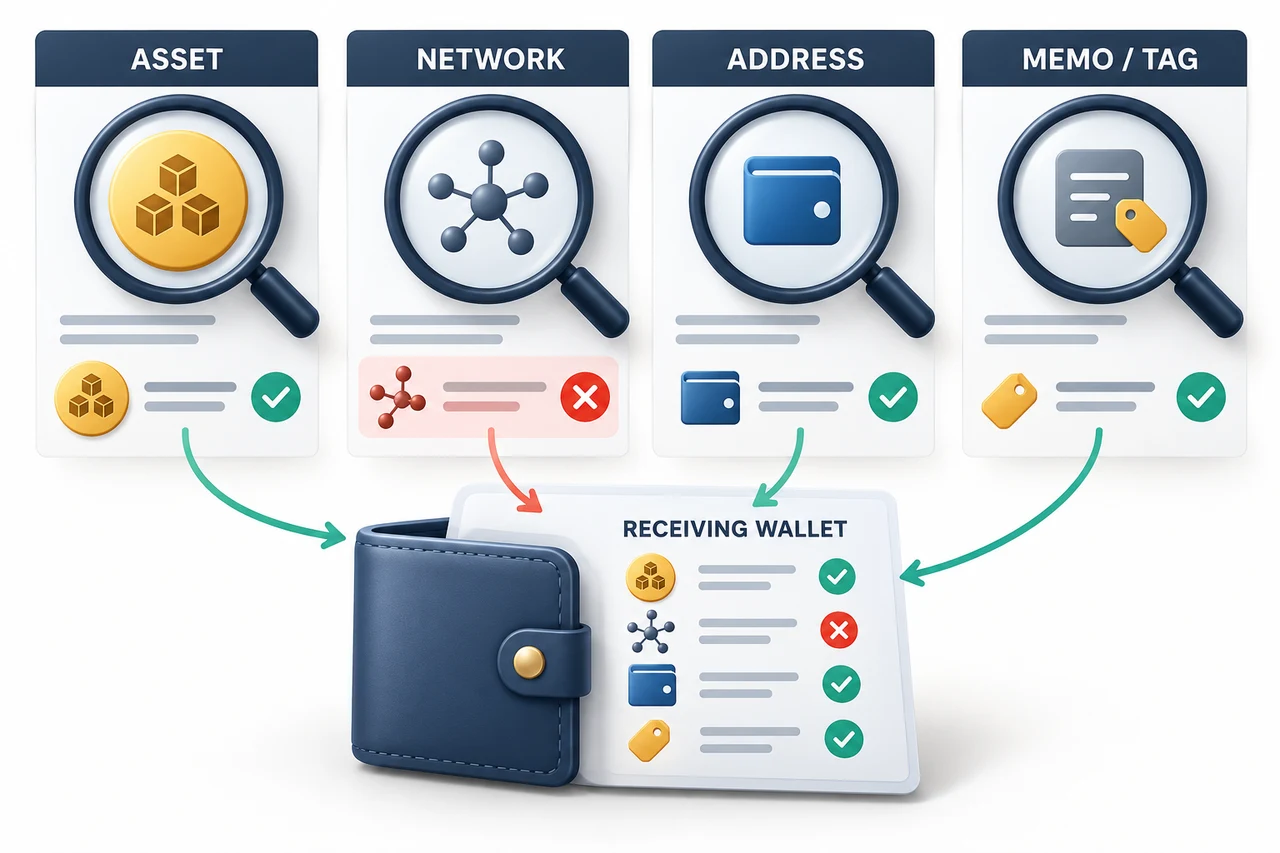
Withdrawal risk: An allowlist does not protect against using the wrong network, omitting a Memo/Tag, phishing, or a mistaken withdrawal that you approve yourself. Blockchain withdrawals are difficult to cancel once completed, and recovery is not guaranteed, so recheck the coin, network, address, and Memo/Tag against the recipient's latest deposit screen.
The fee benefit for referral code OKDCC may be assigned within the OKX 0%–20% range stated in the official Affiliate FAQ, but the same rate is not guaranteed for everyone. Check whether it applies on the sign-up screen and afterward in My Rewards. Availability and rates may vary by account, region, VIP tier, and campaign. A referral code does not relax withdrawal restrictions or address security.
Differences Between the Allowlist, 24-Hour Lock, and Address Verification
| Feature | Official operation · What to check |
|---|---|
| Withdrawal address allowlist | When enabled, you can withdraw only to addresses saved in your address book. Check: Being unable to enter a new address manually may be normal behavior. |
| New address withdrawal lock | Restricts withdrawals to newly added allowlisted addresses for 24 hours. Check: This is a separate setting from the allowlist, so check its status separately. |
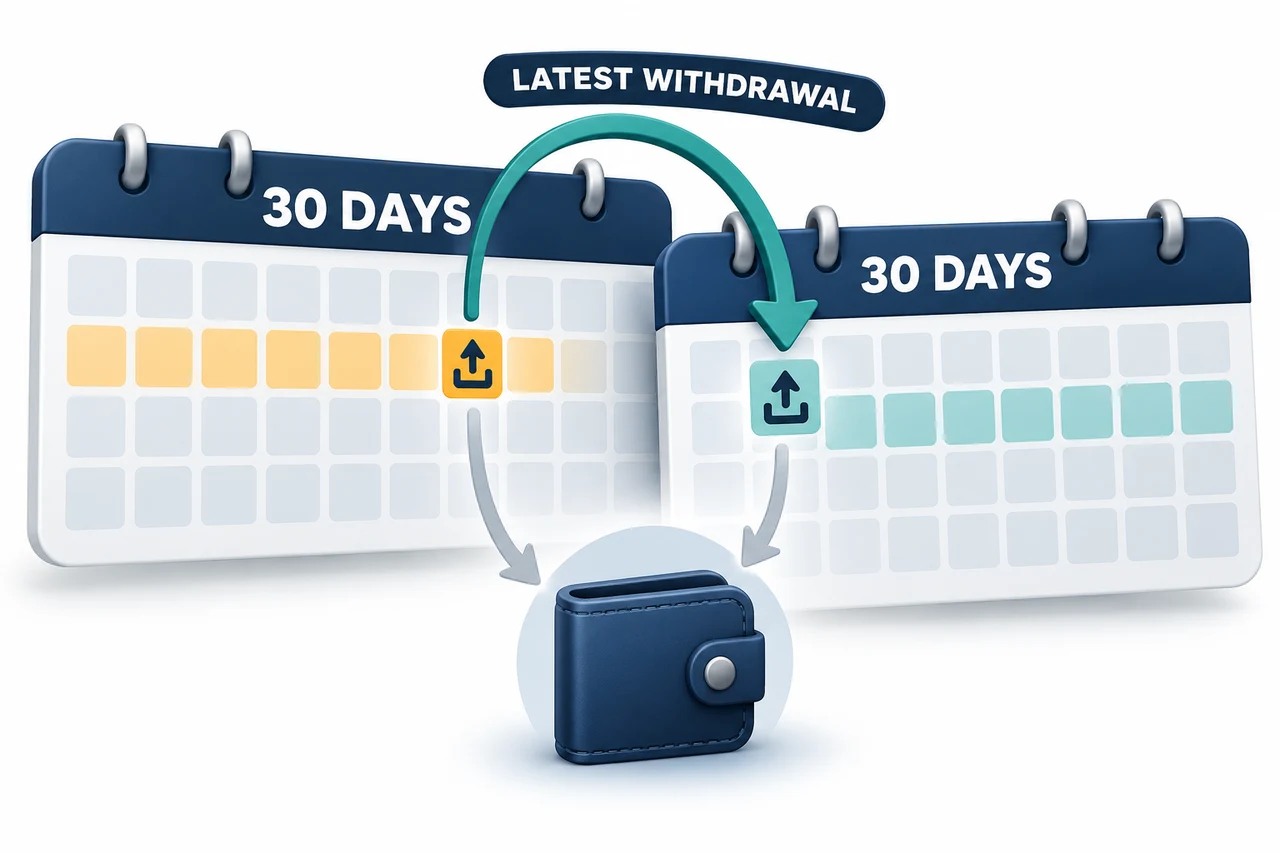
| 30-day verification | If you withdraw to the address within 30 days, its verified status is retained and the 30-day period restarts from the withdrawal date. Check: This sets the period during which additional checks may be skipped; it does not certify that the address is safe. |
| Permanent verification | Selecting Permanent on the official screen means the verified status has no expiration period. Check: Confirm that the address is one you control and can trust long term, and remove it if it is no longer needed. |
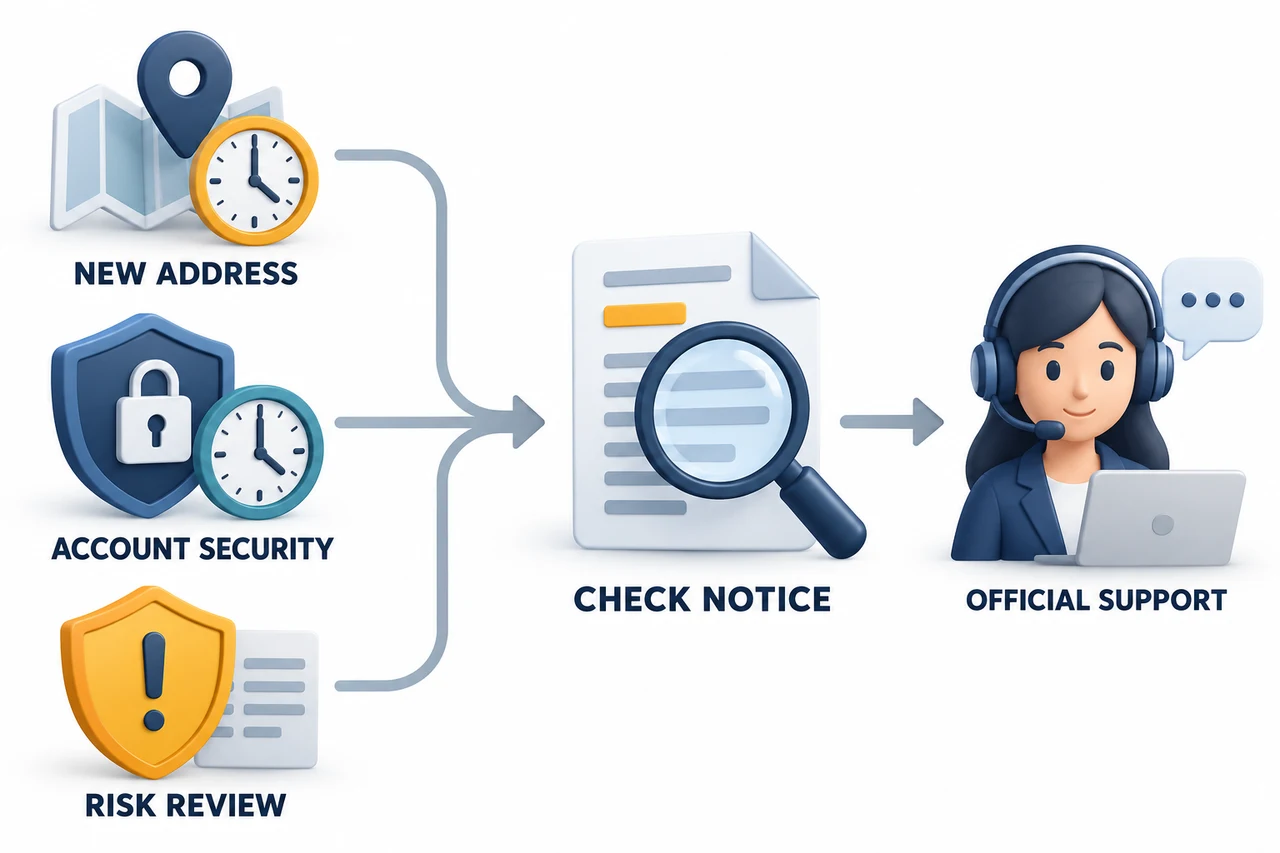
| Restrictions after security changes | A 24-hour withdrawal restriction may apply if you change your login password or authentication method. Check: Do not confuse this with the new address lock; check your recent security change history. |
| Withdrawal restrictions due to high-risk activity | According to official guidance, withdrawals may be restricted for 48 hours if risky withdrawal activity is detected. Check: Do not assume this is a lock on one specific address. Check the reason and scope in your registered email, account notifications, and with official support. |
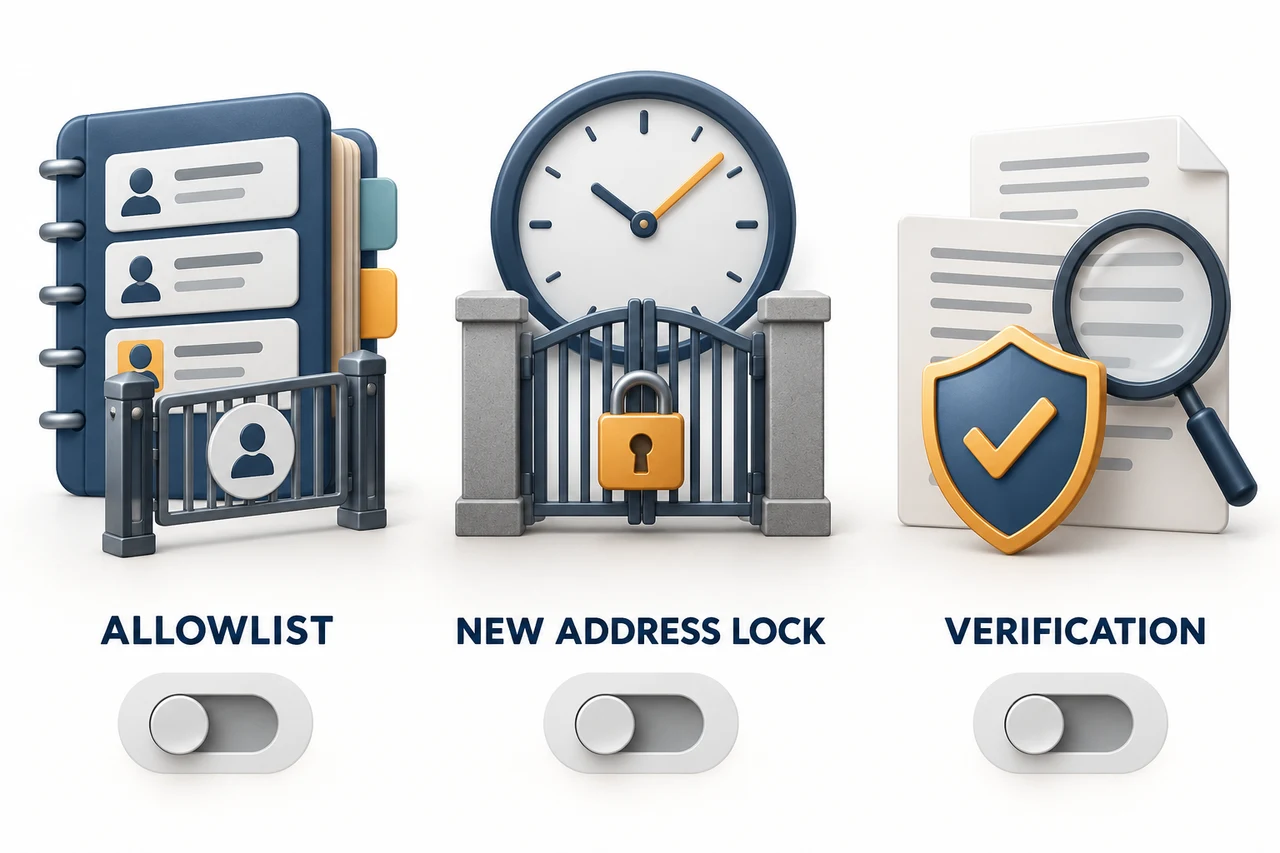
Official facts: OKX explains that enabling the allowlist restricts withdrawals to addresses in your address book. If you also enable the new address withdrawal lock, newly allowlisted addresses cannot be used for withdrawals for 24 hours. You can add up to 50 withdrawal addresses at a time on the web, and according to the official guide, there is no total limit on the number of addresses in the address book.
AKEYX Assessment: If you have frequently used personal wallets or deposit addresses at trusted exchanges, it is safer to use the allowlist and new address lock together. However, you may need to send funds to a new address urgently, so plan for the 24-hour waiting period in advance.
OKX Set up the withdrawal address allowlist on the web
- Type okx.com directly into your browser's address bar and sign in to the official site.
- Under Assets → Withdraw, select the cryptocurrency you want to withdraw and open On-chain.
- In the address entry area, select Add address or Manage address book.
- Enter the coin, network, and address, plus a Memo/Tag if required. Check the network and address format against the recipient's screen.
- If you want to skip additional checks for future withdrawals to this address, select the 30-day or permanent verification option and complete the required security authentication.
- In the address book, turn on Allowlist.
- To reduce the risk of a newly added address being misused immediately, also turn on New address withdrawal lock separately.
- After saving, check again in the address book that the allowlist, lock, and verification period are set as intended.
When adding multiple addresses on the web, you can add up to 50 at a time. After a bulk addition, recheck the asset, network, address, and Memo/Tag in each row. Even if two addresses look similar in character format, sending to a different network may make recovery difficult or impossible.
OKX Set up the allowlist in the app
- OKX In the official app, go to Portfolio → Transfer → Withdraw and select a cryptocurrency.
- From the withdrawal destination list, open Address book.
- Select Address Settings in the upper-right corner of the address book.
- Turn on Allowlist, and, if needed, also turn on New address withdrawal lock separately.
- Under Add recipient, select the recipient type and network, then paste the address.
- Enter an address name and save it. Review the verification period only if you need to skip additional checks. The default is 30 days. You can select Permanent under Change verification period; if you do not select a verification period, you must authenticate each time. Complete the required security authentication.
- Return to the withdrawal screen and check that manual address entry is blocked and that only allowlisted addresses in the address book can be selected.
Menu names may vary slightly by app version, language, region, and account. Prioritize the actual items and security notifications shown in your signed-in account over the screen paths in this article.
How Are the 24-Hour Lock and 30-Day/Permanent Verification Different?
The 24-hour lock is a waiting mechanism that delays immediate withdrawals to a newly allowlisted address. If the new address withdrawal lock is enabled, you cannot withdraw to that address during the first 24 hours, even if you have saved and verified it.
30-day verification is the period for which an address remains verified so that additional security checks may be skipped when withdrawing. If you withdraw to that address within 30 days, the period is extended by 30 days from the most recent withdrawal date. Permanent verification is an option that keeps the verified status from expiring, but this does not mean OKX guarantees the actual owner of the address or its future safety.
Therefore, even if you save a new address today with 30-day verification, you cannot withdraw to it during the first 24 hours if the new address lock is enabled. The end time displayed in your account takes precedence over this article. Even after the waiting period ends, immediate withdrawal cannot be guaranteed because of KYC, risk controls, deposit confirmation, regional restrictions, or additional authentication.
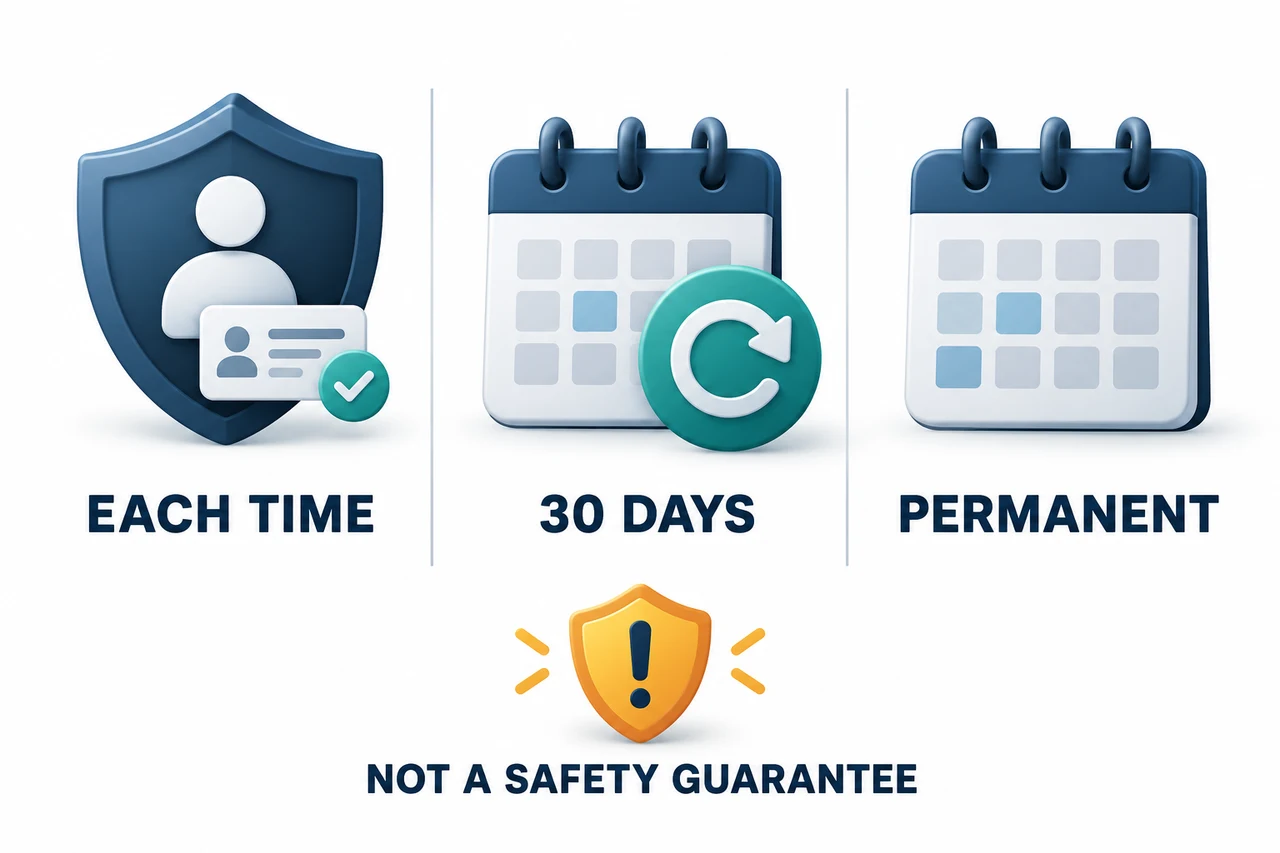
How the 30-day period is extended: It depends on whether you withdraw to the same address within the period. Simply signing in, checking your balance, or editing the address name does not meet this official extension condition. After expiration, security authentication is required again, and verification expiration is different from deleting an address from your address book. There is no reason to trade or withdraw solely to extend the verification period if you have no need to make a withdrawal.
Before changing the verification status: Check the current period for the existing address and the recipient’s latest address. Official guidance describes re-verification after expiration or deleting and re-adding the address, but we do not recommend deletion and re-addition as a solution for an immediate withdrawal, since the new address lock may apply again.
What to Check by Cause When a Withdrawal Fails
First, distinguish between: Is the button disabled, or does an error appear when you click it? The official withdrawal restriction guide advises checking this distinction and the exact error message first. Distinguish between “new address,” “security method changed,” “risk control,” and “deposit confirmation pending”; not all withdrawal errors should be treated as allowlist issues.
| Symptom | Possible Cause · Where to Check First |
|---|---|
| Selected a new allowlisted address but cannot withdraw | 24-hour restriction from the new address withdrawal lock Check: When the address was added, the time remaining on the withdrawal screen, and security alerts |
| Cannot enter a new address manually | Withdrawal address allowlist is enabled Check: Whether the address is saved in the address book and the Allowlist status |
| Additional verification appears again for an existing address | 30-day verification period expired or verification status changed Check: The current verification period in the address book and the most recent withdrawal date |
| “Invalid address” is displayed | Memo/Tag missing, OKX internal transfer conditions for Tag-required assets, network format mismatch, or a temporary system issue Check: The coin, network, address, and Memo/Tag on the recipient’s deposit screen |
| Account withdrawal or internal transfer restriction | Possible 24-hour restriction after changing an existing security method, such as the login password, phone, email, or authenticator app Check: Distinguish this from the new address lock by checking recent security change records and account notifications. |
| Risk-related 48-hour restriction or notification email | Withdrawal functionality may be restricted following risk detection related to withdrawal activity Check: Review the reason and scope in your registered email and account notifications, and contact OKX official support. Do not treat changing to another address as a solution. |
| Still cannot withdraw after waiting | KYC, risk control, insufficient deposit confirmations, maintenance, assets held, subaccounts, or regional requirements Check: The error message on the withdrawal screen and account-specific notices |
Check the network and Memo/Tag requirements for deposits and withdrawals together in the OKX deposit and withdrawal guide. If you actually need to withdraw, first check the recipient’s minimum deposit, fees, and supported networks; you can then verify delivery with a small amount you can afford. A successful test does not guarantee the safety of future withdrawals or address changes.
Restrictions that arise after changing an authenticator app or login security method are separate from the new address lock. For related procedures and precautions to take before recovery, see the OKX OTP/2FA change and reset guide.
When Disabling the Allowlist or Managing Addresses
Official OKX web and app guides explain that you must complete the on-screen verification, such as 2FA, when disabling the allowlist. Turning off the allowlist makes manual address entry possible again, but it does not mean that settings to skip additional verification or account security and risk controls are also disabled. Rather than weakening security features to avoid a restriction, first check the cause and scope of the current notification.
Remove addresses from your address book that you did not add or no longer use. Do not rely on similar-looking names; compare the beginning, middle, and end of the address, the network, and the Memo/Tag with the original deposit screen. If you notice suspicious activity, do not try to work around it by switching to a new address. Review your password, 2FA, passkeys, connected devices, and API permissions, and contact official support.
AKEYX Recommended Security Settings
- Enter the official domain directly in your browser’s address bar and avoid search ads or messenger links.
- Use the allowlist and new address lock only for addresses you manage and use regularly.
- Check regularly for unfamiliar addresses in your address book.
- For an address you are using for the first time, start with a small test deposit, taking the minimum deposit into account.
- Use permanent verification only in limited cases, and only for addresses you can control over the long term.
- Before withdrawing, compare the coin, network, address, and Memo/Tag with the recipient’s latest information.
- Do not bypass withdrawal restrictions by using another account or identity, a VPN, or arbitrary address changes.
- Review 2FA, passkeys, connected devices, and API key permissions as well.
For overall account protection settings, see the OKX account and withdrawal security checklist. For the complete overview of registration, fees, KYC, and trading features, see the OKX comprehensive guide to registration, fees, and trading.
Pre-Withdrawal Checklist
- □ I confirmed that this is the official OKX website or official app.
- □ I checked the status of the allowlist and the new address withdrawal lock separately.
- □ If the new address lock is enabled, I checked the remaining waiting time for that address.
- □ I checked the most recent withdrawal date and current verification status for the 30-day verified address.
- □ The coin and withdrawal network match the recipient’s deposit network.
- □ I checked whether the asset requires a Memo/Tag and entered it without omission.
- □ I confirmed that I have not recently changed my login password or authentication method.
- □ If the withdrawal is necessary, I checked the minimum deposit and fees and decided whether to make a small test withdrawal.
- □ There are no addresses in my address book that I have not approved.
Frequently Asked Questions
OKX Are withdrawal address allowlists and whitelists the same feature?
Yes. In this article, allowlist refers to OKX Allowlist on the official English-language screens; users also search for the term “whitelist.” When this feature is enabled, you can withdraw only to addresses saved in your address book.
Can I never withdraw for 24 hours after registering a new address?
No. A 24-hour restriction applies to newly added allowlisted addresses only when the new address withdrawal lock is enabled. Since the allowlist and the lock are separate settings, check each one individually on your account screen.
What is the difference between 30-day and permanent verification?
With 30-day verification, withdrawing to that address within 30 days extends the period from the most recent withdrawal date. Permanent verification keeps the verification status active without an expiration period. Neither verifies address ownership or safety, nor does it replace checking the network and Memo/Tag.
If an address is allowlisted, do I still need to check the network and Memo/Tag?
Yes. The allowlist only restricts the withdrawal destination. Each time, you must check that the coin, network, address, and Memo/Tag match the recipient’s requirements; recovery is not guaranteed if you send them incorrectly.
Why can’t I withdraw even though 24 hours have passed?
Possible causes include a recent change to a security method, KYC, risk controls, a high-risk address, insufficient deposit confirmations, service maintenance, assets being held, subaccounts, or regional requirements. Check the exact error message on the screen and your account notifications, then follow the official support process.
Can I require verification every time even with the allowlist enabled?
Yes. The official app guide explains that the allowlist and the setting to skip additional verification are independent. If you do not select a verification period, you will be asked to verify every time you withdraw to a saved address. Selecting 30-day or permanent verification does not remove the new address lock or account risk restrictions.
Official Sources and Review Date
- OKX Web allowlist setup guide — Officially updated 2026-08-14
- OKX App allowlist setup guide — Officially updated 2026-09-30
- OKX Withdrawal restriction causes guide — Officially updated 2026-08-05
- OKX App and account security guide — Officially updated 2026-09-22
Last reviewed: October 25, 2026. We cross-checked the web and app allowlists, withdrawal restrictions, app security, and the Affiliate FAQ figures in the main text against official materials. The source update date differs from AKEYX’s actual review date. We have not checked the settings or restriction end time for any individual account. The features, screens, restrictions, and verification options described above may vary by account, region, app version, and subsequent policy changes. We distinguish official facts from AKEYX’s practical assessments; use the instructions shown in your logged-in account and the latest OKX Help Center as the final reference. This article provides educational information about account security and withdrawal procedures and is not investment, legal, or tax advice.