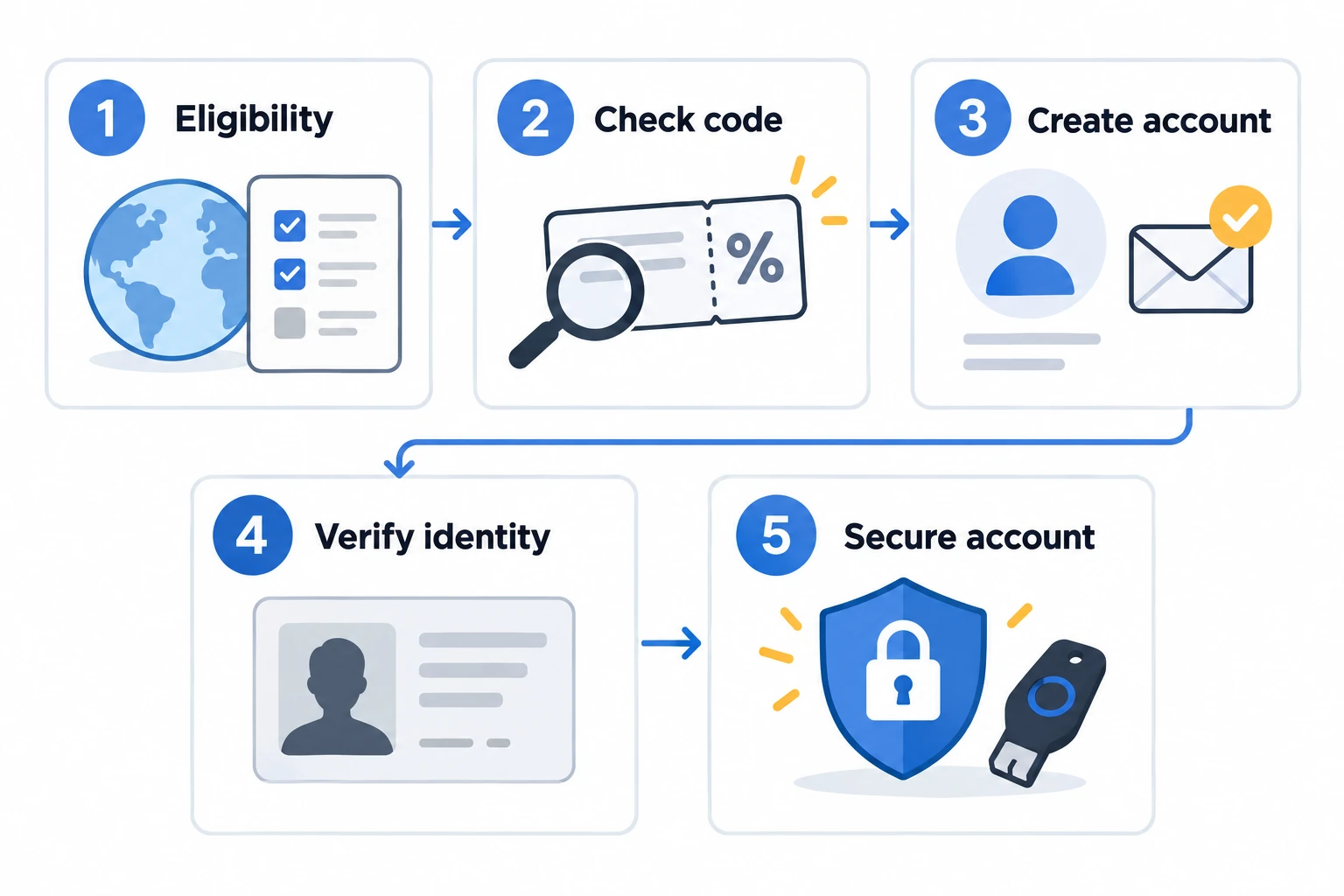
Key points for signing up to OKX: First, confirm your actual place of residence and eligibility for the products you intend to use, then use the official interface to select your country or region, review the terms, verify your contact information, and set a password. After creating your account, check KYC and security separately. Accessing the page, completing signup, or receiving KYC approval does not mean that every product is available to you.
Affiliate disclosure: The OKDCC links in this article are affiliate links, and AKEYX may earn revenue if you sign up or trade through them. No specific rate or period is guaranteed; check the applicable conditions on the signup page and in your account.
Official materials reviewed: October 24, 2026. We compared official materials on regional eligibility, signup, individual KYC, account security, and code verification. We did not directly verify any individual account’s eligibility, benefits, or processing outcome.
1. Four things to check before signing up to OKX
The OKX terms state that individual users must be at least 18 years old and legally eligible to use the service, and that the same services are not offered in every market. Do not determine eligibility based on nationality alone; check your actual place of residence, the applicable operating entity, local regulations, and the product you intend to use. We do not explain how to select a country different from your own on the signup page to evade restrictions.
Official risk and compliance notices expressly mention the possibility of restrictions on derivatives-related and P2P services in Korea. This does not mean that all features are permitted for users in Korea or that all are prohibited. Do not assume that you are eligible for a product solely because you created an account, passed KYC, or can see a menu item. Review Terms of Use 2.1 and 2.2 and Section 3 of the Risk and Compliance Notice. Details on domestic conditions are available in Domestic Use and Regional Conditions.
- Official address: Check that the address bar shows okx.com, and beware of search ads, messaging apps, and links from impersonated customer support.
- Referral code: Before completing signup, check whether the OKDCC code is linked.
- Fee discount conditions: Read the rebate rate, period, eligible products, and regional conditions shown on the screen.
- Availability: Check on the official interface whether account opening, KYC, and the product you intend to use are supported in your place of residence.
2. Check the referral code and actual conditions before signing up
A referral code is information linked to the signup path you choose. Seeing a code is not the same as confirming that it is linked, the assigned rate, or payment. The 0%–20% referral rebate range for invitees described in the official Affiliate FAQ is general information, not a guarantee of a specific rate or period from OKDCC. A rebate is an assigned percentage of eligible fees paid; it does not mean that the trading fee rate itself is reduced by the same number of percentage points.
| When to check | What to check | Where to check |
|---|---|---|
| Before signup | OKDCC linkage and the estimated benefits shown on screen | Official signup page |
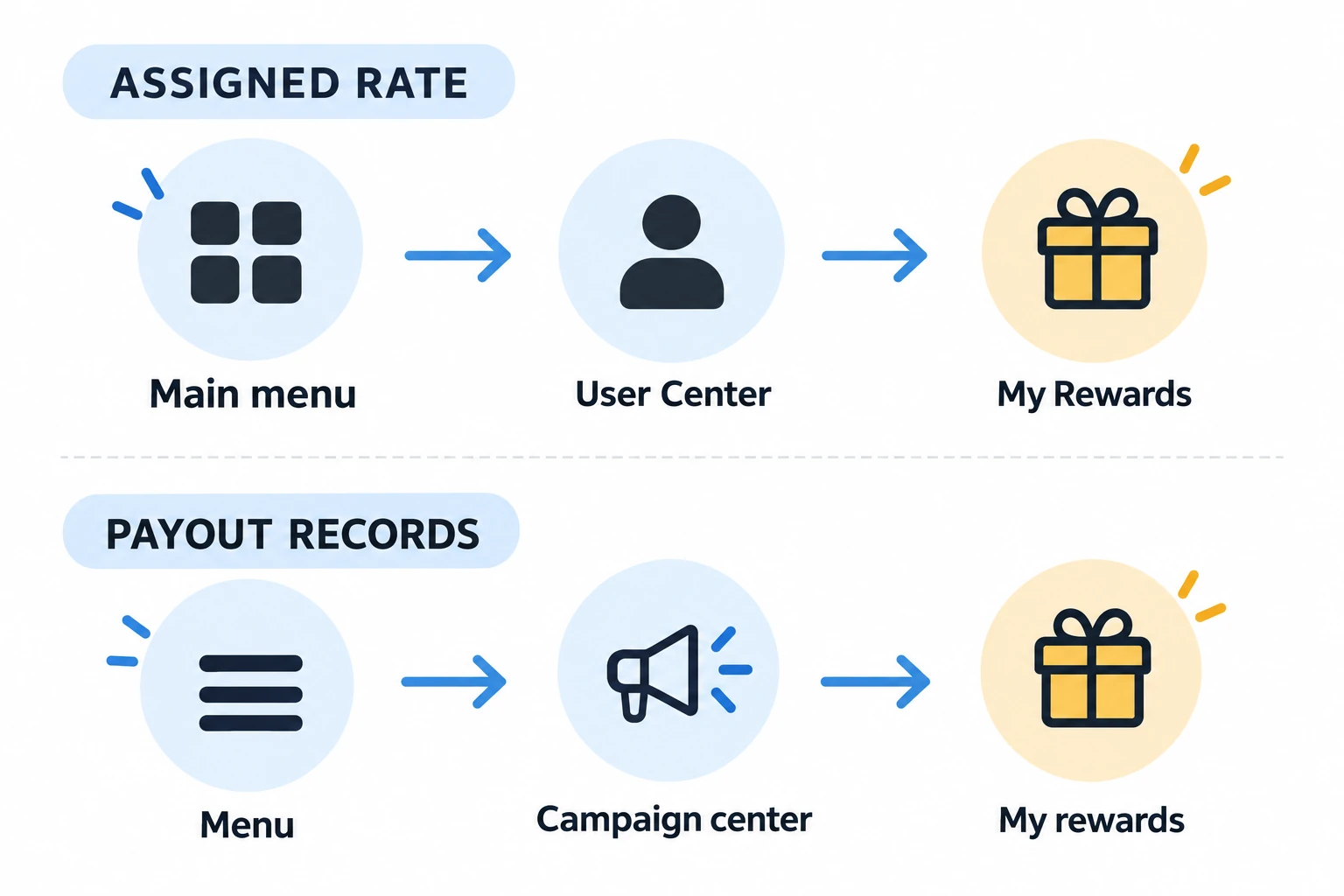
| After signup | The actual rebate rate assigned to your account | OKX App → Main menu → User Center → My Rewards |
| After trading | Actual rebate records and excluded trades | OKX App → Menu → Campaign center → My rewards |
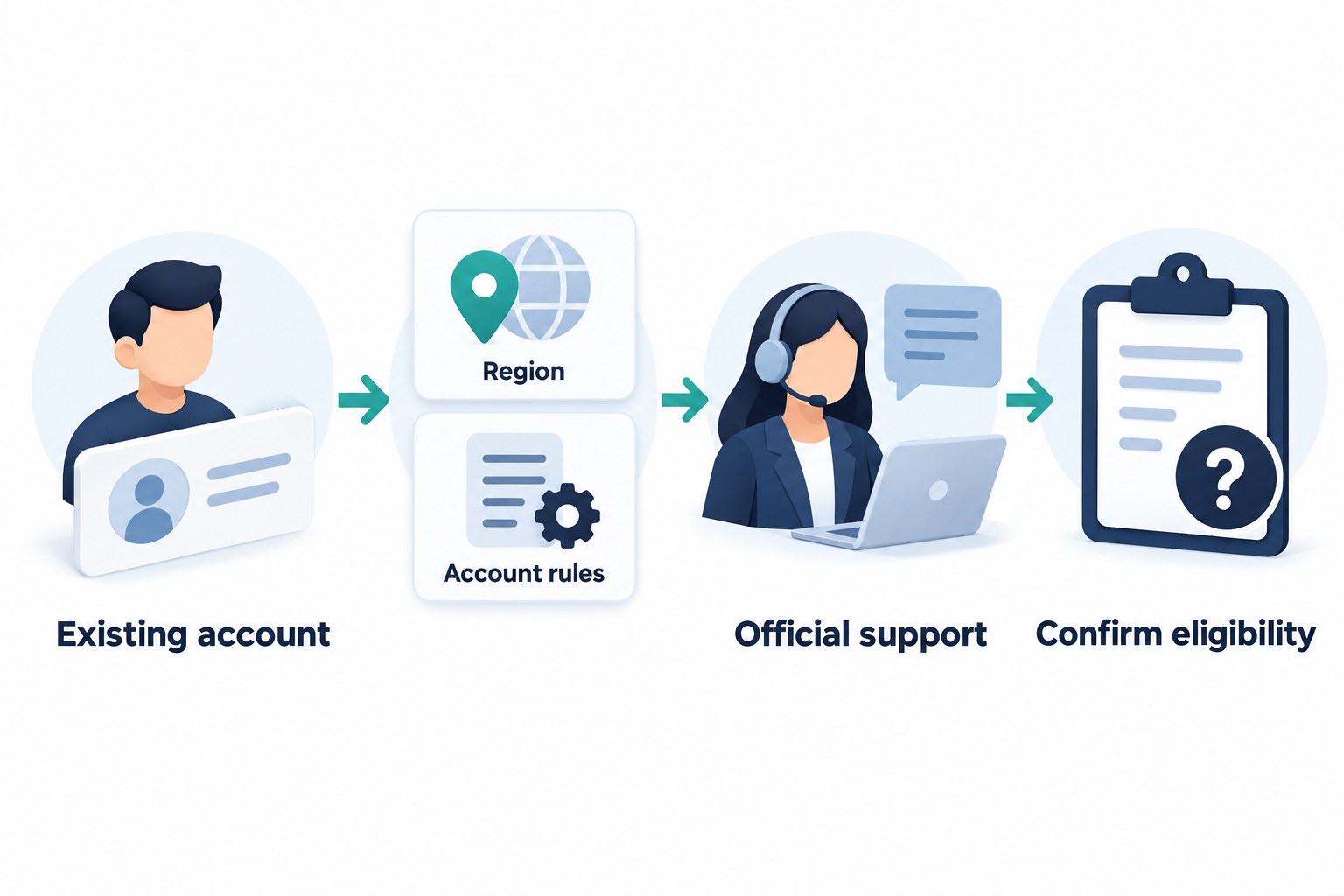
Important: Review the code, eligible users, period, and exceptions on the signup page. If anything is unclear, check with official support before completing signup. Distinguish the general FAQ’s restrictions on changing channels from the program rules’ procedures for existing users that apply in certain regions and under certain conditions. We do not make definitive claims about what is or is not possible for every account, and do not explain how to bypass restrictions by deleting and reopening an account or changing identity details.
If you cannot see the benefit: Check the assigned rate under My Rewards in User Center; check post-trade payment records separately under My rewards in Campaign center. The official FAQ says that if the rebate-rate module is not visible, no rebate rate has been assigned.
Do not interpret this as automatic application of a 20% rate. Check the signup path and displayed conditions, then contact official customer support. Do not make unnecessary deposits or trades to check this.
We cross-checked FAQs on referral relationships, assigned rates, and payment records on October 24, 2026. For details on when to enter a code and condition-specific checks for existing accounts, see OKDCC code application conditions.
For details on fee structure and calculations, see OKX fee calculations and actual rates.
3. How to create an OKX account
3.1 Open the official signup page
Check that the official domain okx.com and the actual destination page are correct in the address bar. First select your actual country or region of residence and state (if applicable), then read the applicable terms and decide whether to accept them. If you choose to sign up, use an email address or phone number that you control and complete the verification requested on the current screen. The official signup help describes this sequence: verify country or region → terms → email and code → phone and code → password. However, the sequence and requirements may vary by customer, region, and screen.
How to prevent signup-linking failures: OKX The official Affiliate FAQ advises that opening an invitation link and then immediately downloading the app before completing signup may prevent the affiliate referral from being established. Check the code and conditions on the official signup page and complete signup before installing and logging in to the app. An incorrect code or signing up through an advertising channel may also cause linking to fail. Do not try to change an already assigned channel by deleting and reopening your account.
3.2 Verification and password setup
Enter an email address or phone number that you actually control, and enter the verification code yourself after checking its expiration time and delivery destination on the current screen. If the code does not arrive, check the address, country code, spam folder, and resend wait time shown on screen. If it continues to fail, contact official support. Do not use another person’s contact details or identity to evade regional restrictions or identity verification.
Choose a password that you do not use for other services, and follow the length and character requirements shown on screen. Do not share your password, OTP, or recovery information, even with someone impersonating customer support.
3.3 Distinguish signup completion from KYC and product eligibility
- Is the domain in the address bar correct?
- OKDCC Is the code linked?
- Have you read the rebate rate and applicable conditions shown on screen?
- Is the service available for your place of residence and account type?
Stage-by-stage evidence, unresolved conditions and next actions
AKEYX compiled this decision table from official procedures. Evidence means an indicator you check in your own official account, not a signup or identity-verification test performed by AKEYX. Treat unresolved items as unconfirmed.
| Stage and evidence to check | Unresolved conditions and next action |
|---|---|
| Regional and product eligibility You have checked the current official conditions for your actual residence and intended product. | Unconfirmed: Page access, citizenship or selecting a country alone does not establish eligibility. Next action: Stop if restrictions apply or the meaning is unclear, and ask official support. |
| Account creation After verifying your own contact details and setting a password, you can log in to the created account. | Unconfirmed: KYC approval, product eligibility and code benefits are separate. Next action: Check the current status and required documents under Verification. |
| KYC submitted / under review The official verification page shows submission or review in progress. | Unconfirmed: Uploading documents or elapsed time is not proof of approval. Next action: Check status and additional requests. If rejected, follow the stated reason and official resubmission/support process; do not create duplicate accounts. |
| KYC approved The official verification page shows an approved/completed status. | Unconfirmed: This does not mean all products or deposit/withdrawal features are available without restrictions. Next action: Check the intended feature’s regional/account conditions and remaining restrictions separately, then review security settings. |
| Security setup Under Security, check the setup status of supported authentication methods and your access/recovery options. | Unconfirmed: Completed setup does not eliminate phishing, access-loss or financial-loss risks. Next action: Review linked devices and recovery methods. If activity is suspicious or access fails, prioritize official recovery/support before deposits or trading. |
Signup/KYC and deposits/trading are separate decisions. You do not need to transfer funds or trade to prove completion. For guidance matching your stage without entering personal information, use the sign-up and KYC navigator. Its selections do not verify actual account eligibility or review status.
Partial review: 1 November 2026. Only this table’s signup, KYC and security criteria were checked against official guidance; this is not a new review date for the entire article. Official signup guide · Individual KYC guide · Account security guide
4. Complete identity verification (KYC)
Account creation and KYC are separate steps. The official guide gives the web path as Profile → Verification and the app path as Menu → Account settings → Profile → Identity verification. Names and locations may vary by app version and region, so check the menus in your actual account. Do not bypass restrictions on unsupported regions or documents by selecting another country or using someone else’s documents.
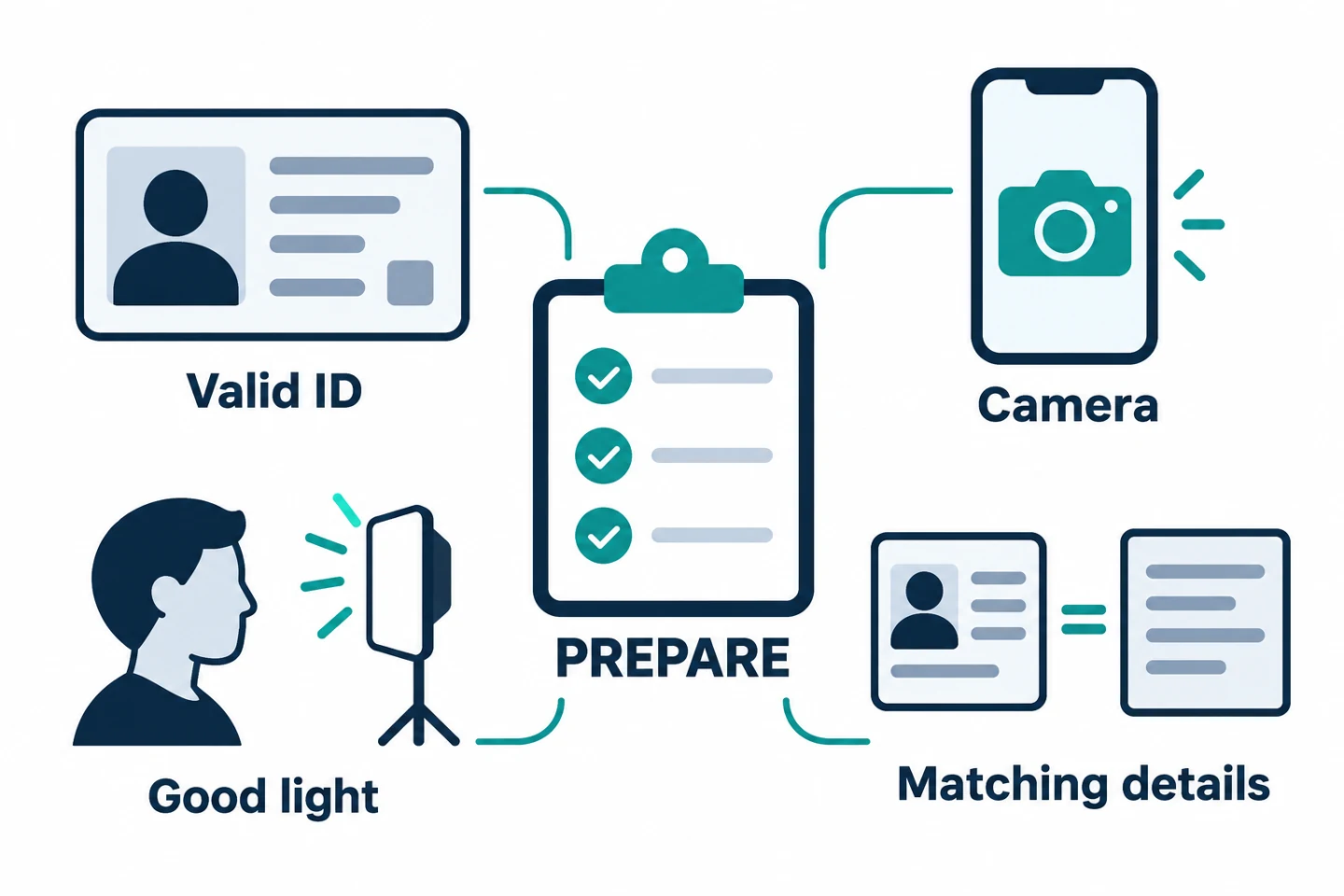
The information and documents required for OKX individual account identity verification vary by region and account. Your name, date of birth, nationality, and actual place of residence must match your supporting documents. The official guide describes a valid government-issued identity document that meets the requirements for the relevant region, a selfie, and, if required, proof of address. Examples such as passports and driver’s licenses do not mean that the same documents are accepted in every country; use the list of supported documents shown in your own account.
- Prepare an unexpired identity document.
- Photograph the original identity document so that all four corners and text are visible and there is no glare or blur. Do not substitute a screenshot or edited image.
- If facial verification is required, remove items that obscure your face, such as hats and masks, as directed on screen.
- If proof of address is required, check the on-screen requirements, such as name, current address, and issue date. Do not send sensitive documents that were not requested to anyone.
The official guide distinguishes automated processing from additional review and explains that processing may take longer due to high volumes, among other reasons. Do not interpret the displayed time as a guarantee of approval; check the processing status and reason for rejection. If you have not received a result after 24 hours, you can contact support in accordance with the official KYC processing time guide. KYC approval does not remove product or regional restrictions. For error prevention and resubmission instructions, see OKX Detailed KYC Guide.
5. Configure security immediately after signup
Check your security settings before depositing or trading, but no setting guarantees that you will be risk-free. On the web, open Profile → Security settings, or check completed and incomplete verification methods and linked devices on the account’s Security screen. Follow the current account instructions to change or recover login information, and do not disable security measures to bypass an error.
- Set up additional authentication methods supported by your account, such as an authenticator app, and verify that you can actually authenticate and know how to recover access if you lose it.
- Review passkeys if supported in your environment. This is an optional feature, and support and recovery vary by device, operating system, and account used for storage. Do not remove your existing authentication methods before confirming you can access your account from a new device.
- Check the anti-phishing code along with the sender and destination URL. Even if the code looks correct, do not sign in through a link in a message; verify again from the official address. Do not keep recovery information in plain text in messaging apps or email.
- Review device and permission lists, such as Linked Devices, as well as alerts about logins or changes you did not make. If anything seems suspicious, check the account protection procedures through official support.
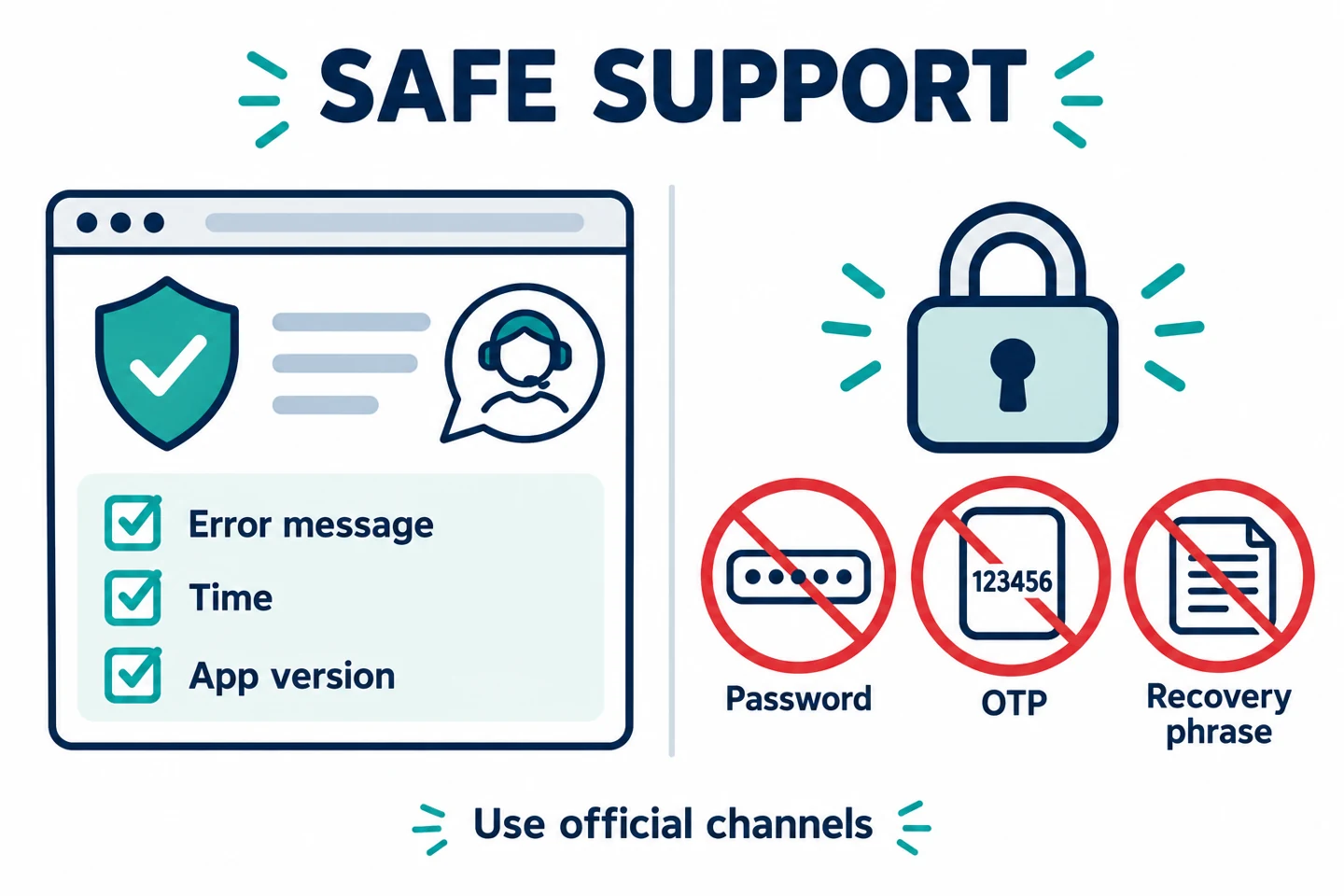
Do not respond to anyone impersonating OKX who asks for your password, OTP, private key, recovery phrase, or an advance payment. Open support from the official domain and provide only the necessary error information. Source: Account Security Guide and Passkey FAQ (checked October 24, 2026). Reinstalling the app may affect security information such as locally stored passkeys, so do not automatically delete and reinstall it just to resolve a simple error.
6. What to Check Before Depositing or Withdrawing
When users in Korea transfer assets between domestic exchanges, immediately before sending they must verify all of the following: Travel Rule integration between the two exchanges, matching names on their own accounts, and deposit and withdrawal support for the asset and network in question. Do not assume that a fixed amount threshold or any particular coin or network is always available and inexpensive for every user.
- Verify that the asset names at the sending and receiving platforms are the same.
- Verify that both platforms support the same network.
- Check the first and last characters of the address and whether a memo or tag is required.
- If you decide to transfer, check the minimum deposit and crediting requirements and fees, then confirm that a small test transfer meeting the requirements arrives. If eligibility or the network is unclear, do not transfer anything yet.
- Check the withdrawal fee and minimum withdrawal amount on the screen immediately before sending.
For network selection and step-by-step verification, see the OKX Deposit and Withdrawal Guide.
7. Check the Risks Before Trading
Spot, futures, margin, options, and copy trading have different cost and risk structures. Products that use leverage in particular can incur large losses or forced liquidation even with small price movements. Fee discounts do not prevent trading losses or guarantee profits.
- Before placing an order, check Maker and Taker fees and the expected execution method.
- For derivatives, check funding fees, maintenance margin, and liquidation price.
- Do not unnecessarily increase the number or size of trades to receive a fee discount.
- Do not trade with real funds before you understand the features and the cancellation and error procedures. Results in a simulated environment do not guarantee actual execution or profit and loss.
8. Frequently Asked Questions
If the page opens in Korea, can I sign up and use all products?
No. Access, account creation, KYC approval, and eligibility to use products are separate matters. You must check your actual place of residence, the operating entity, local regulations, and your account screen. Official risk and compliance notices state that restrictions may apply to derivatives-related and P2P services in Korea. KYC or a referral code does not remove these restrictions.
Do I need to deposit or trade before signing up?
You do not need to deposit or trade to create an account or check your eligibility and code. First check regional eligibility and the conditions shown on the official screen. If you decide to create an account, complete contact verification and password setup separately from KYC and security setup. Deposits, withdrawals, and trades may each have their own costs and restrictions.
Does seeing OKDCC mean everyone gets a 20% rebate?
No. Code display, actual linkage, assigned rate, eligible trades, and payment records are separate matters. The 0%–20% allocation range for invited users stated in the official FAQ is a general range, not a guarantee of a specific rate or period from OKDCC. Check the terms shown before signing up and User Center → My Rewards after signing up.
Can I change my referral code or channel after signing up?
The general FAQ restricts changing an assigned channel and deleting and re-creating an account. Program information describes a separate application process for existing users who meet certain regional and other conditions. Check with official customer support which process is available for your current account and region, and do not attempt workarounds such as creating duplicate accounts, using a different identity, or transferring KYC.
How long does KYC take, and can I use all products once approved?
Official guidance distinguishes automated processing from additional review, and processing may be delayed due to high demand, among other reasons. Check the status shown on your screen, and contact official support if you have not received a result after 24 hours. The stated processing time is not a guarantee of approval, and completing KYC does not remove regional or product restrictions.
Am I safe if I set up only a passkey or anti-phishing code?
No. Check passkey support and recovery methods, authenticator apps, passwords, and connected devices together. Even if the anti-phishing code looks correct, verify the sender and destination domain separately. Do not share your password, OTP, private key, or recovery phrase with anyone.
9. Official Resources and Final Checklist
- Terms of Use
- Risk and Compliance Notice
- Official Sign-Up Procedure
- Personal Account Identity Verification
- KYC Processing Time Guide
- Account Security Guide
- Passkey FAQ
- Affiliate FAQ
- Program Rules
- Trading Fees FAQ
AKEYX Review scope: On October 24, 2026, the explanations of regional availability, sign-up, KYC, account security, and code verification in the official resources below were reviewed. Actual account eligibility, assigned rate, duration, approval outcome, and current support for each network must be verified individually. Prices, trading volumes, and rates shown in historical trading screens have not been revalidated as current values.
Final check: Your actual place of residence and product eligibility come first; account creation, KYC, security, and deposits and withdrawals are separate steps that must be checked. Do not assume you are eligible or rush to deposit or trade just because a code and benefits are displayed. If there is a discrepancy or error, stop and check with official support.
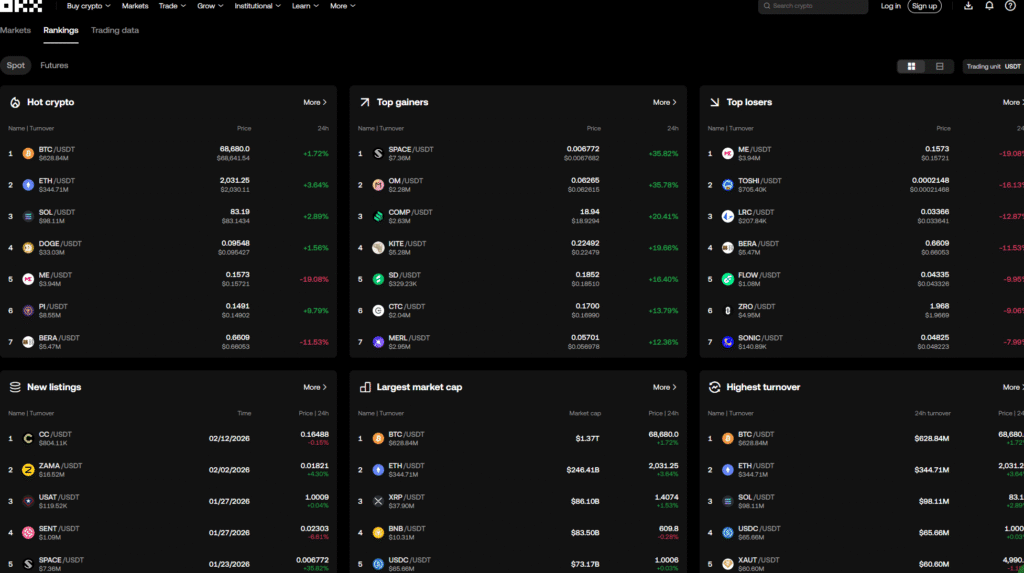
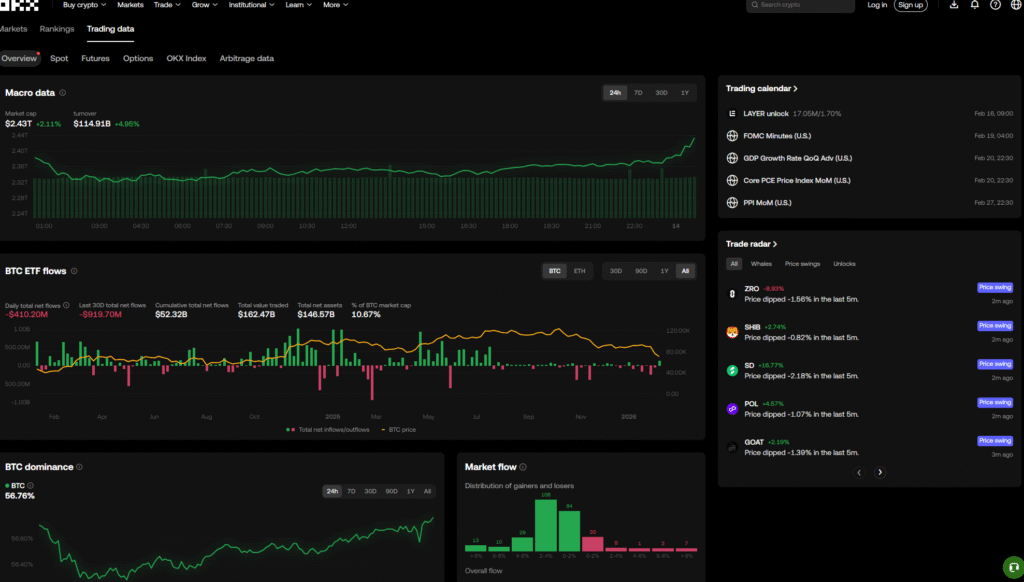
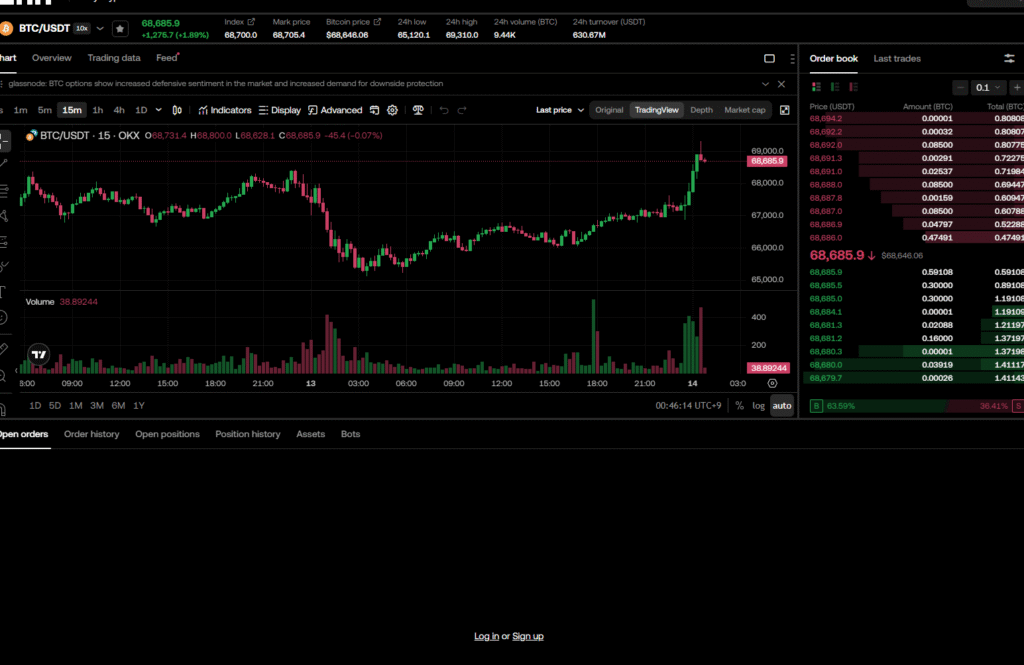
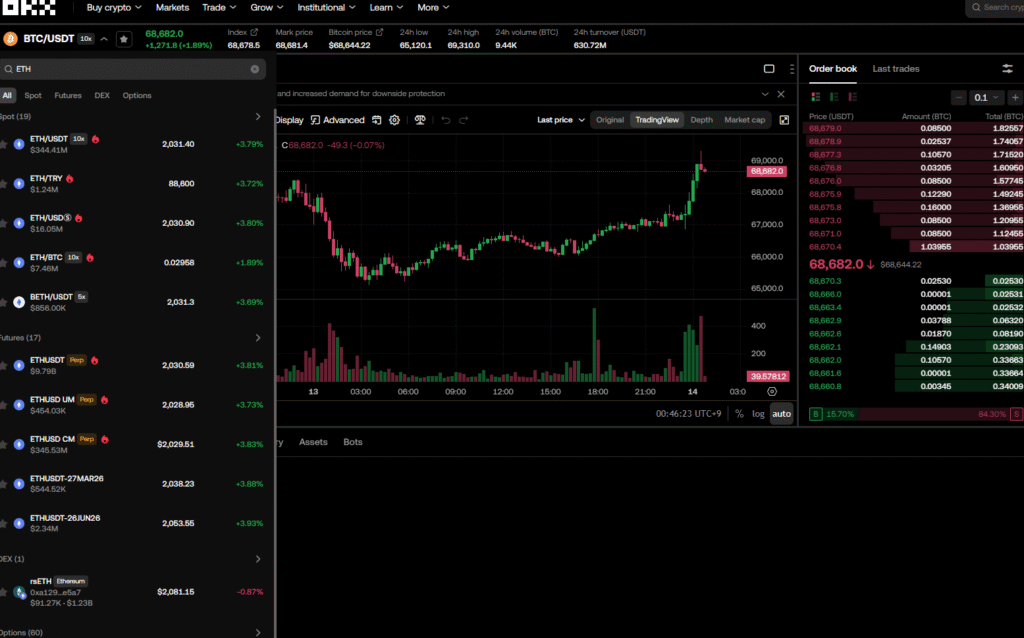
Historical trading screen for reference — not the current sign-up or KYC screen
The five existing explanatory diagrams are not actual OKX screens, and the seven collapsed past trading screens are not used as evidence of the current signup process. The materials below are reference screens from an older trading interface. They do not show the current procedures for sign-up, identity verification, or security setup. Check the actual procedures against the explanation above and the official screens.