OKX App downloads should start from the relevant official download page, after first distinguishing whether you need the exchange app or OKX Wallet. For the exchange app, check the currently available options on the OKX app’s official download page; for the Wallet app or browser extension, check the OKX Wallet official download page. Do not treat installation files received through search ads or messaging apps as equivalent to files from official sources.
The fact that an app can be installed does not mean you can open an account, complete KYC, or use all products in your region. This article explains installation options for Android and iPhone, how to verify the source, installation errors, and checks to make before updating. It does not guarantee firsthand installation experiences on specific devices or service eligibility for users in Korea.
Partial recheck: November 5, 2026. Only opening Android downloads in a browser, product-specific iOS developer names, and the distinction between a Home Screen shortcut and an installed app were checked against official materials and supplemented. No installation or update was tested on a physical device.
Official materials reviewed on: October 16, 2026. The review covered app and Wallet downloads, extension connection paths, backup, and phishing precautions. Screens, distribution paths, and support conditions may vary by region and device, so check the latest information shown on the official page and in the store again when installing.
1. First distinguish the exchange app, Wallet, and extensions
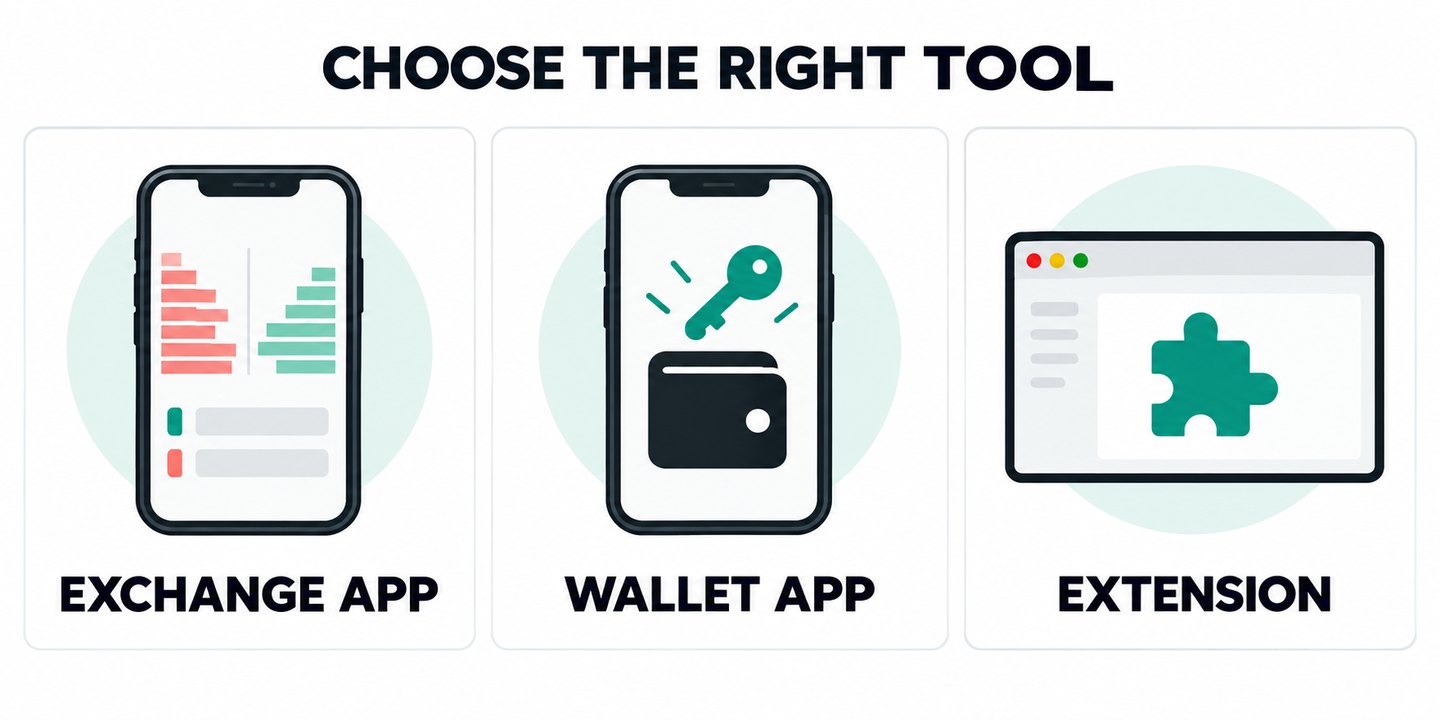
The search term ‘OKX download’ can refer to different needs. Someone trying to log in to an exchange account is not looking for the same installation file as someone trying to connect to a DApp with a personal wallet. Do not choose a product just because its logo looks similar; check both the product name and its purpose on the official page.
| Category | Main purpose | Where to check first |
|---|---|---|
| OKX Exchange app | Exchange account login and account services | OKX app official download page |
| OKX Wallet app | Personal wallet management and Web3 connections | Wallet official download page |
| Wallet extension | Connect a wallet using a supported browser | Extension store linked from the official Wallet website |
An exchange login password and a personal wallet’s seed phrase serve different purposes. Do not create a new wallet to resolve an exchange login issue, or enter a seed phrase to recover an exchange account. See Differences Between Exchange Accounts and Web3 Wallets for details on asset storage and recovery methods.
2. Follow the official download path in order
Proceed in this order: official website → download page for the required product → installation option available for your device → source verification. Do not determine whether an app is genuine based only on the first search result, an ad label, a high download count, or reviews. The important thing about a QR code is the address it leads to, not how the image looks.
- Check the browser address bar for www.okx.com/download or web3.okx.com/download. Do not start from shortened links in private messages.
- After confirming whether you need the exchange app or Wallet, check which options—such as the App Store, Google Play, or Android—are currently shown on the official page. Do not assume the same options are available in every region.
- If you are redirected to a store, compare not only the app name but also the developer or provider, link to the official website, and device requirements. Stop if the listing differs from the product linked from the official page.
- Even when using an Android file provided directly on the official page, verify the source and product. If an installation warning appears, first perform the safety checks below.
- If the app unexpectedly asks you to deposit or transfer funds, allow remote control, or enter information on an external website when you first open it, stop entering account information.
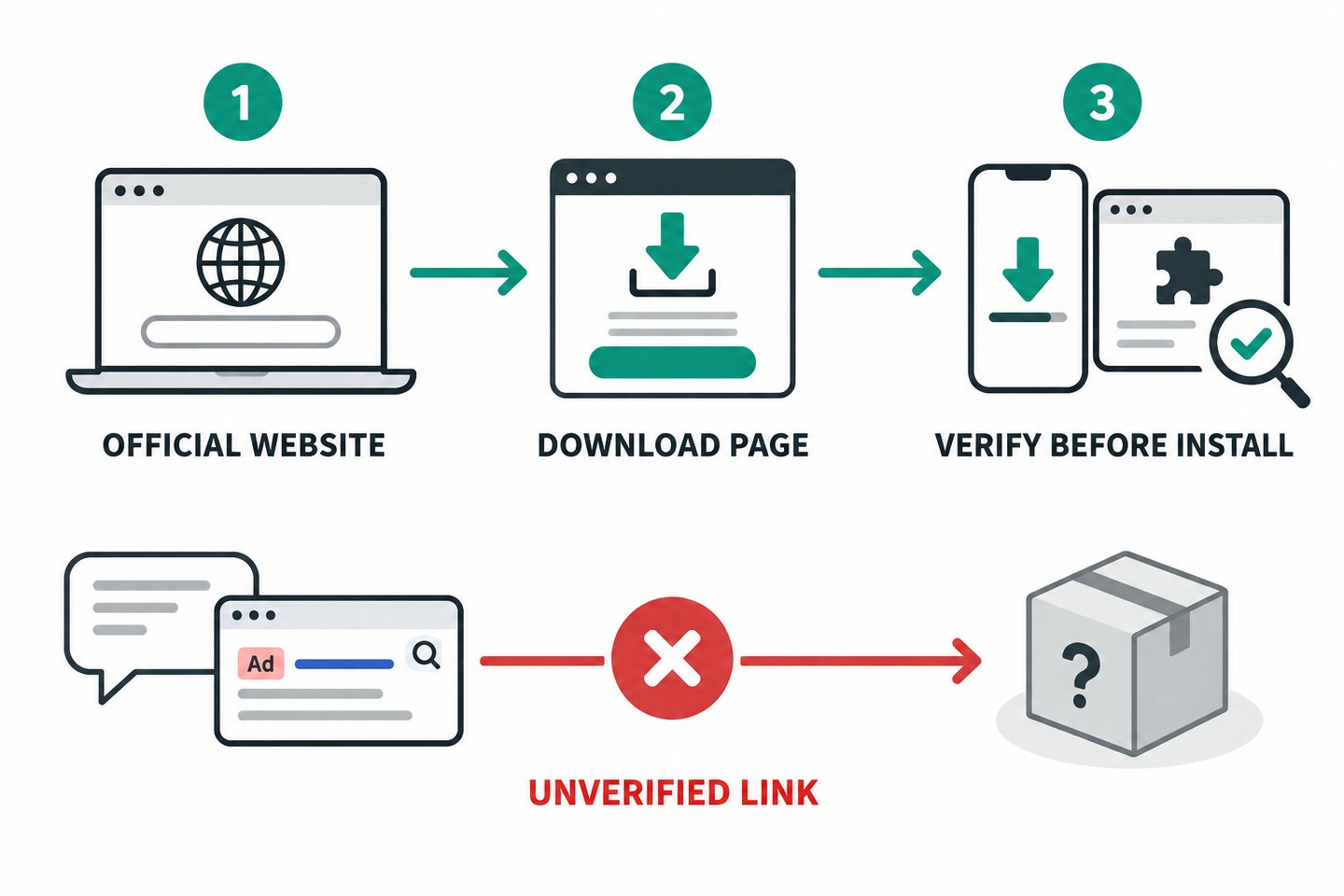
For the Wallet Chrome extension, following the link from the official Wallet website makes it easier to verify the source than simply searching for a name in the extension store. Installing an extension does not open an exchange account or deposit assets, and installation alone does not require you to approve wallet connections, signatures, or token-use permissions. Source: OKX Official guide to creating or importing a wallet.
If a download will not open inside a messaging app: first check the official domain, then open the same official download page in your device’s regular browser. OKX’s Android instructions explain that opening in a browser may be necessary depending on the app used to scan the QR code. If the official route itself is unavailable, ask verified official support for the current route rather than switching to a third-party APK. Official OKX Android instructions.
3. Check four items together to verify authenticity
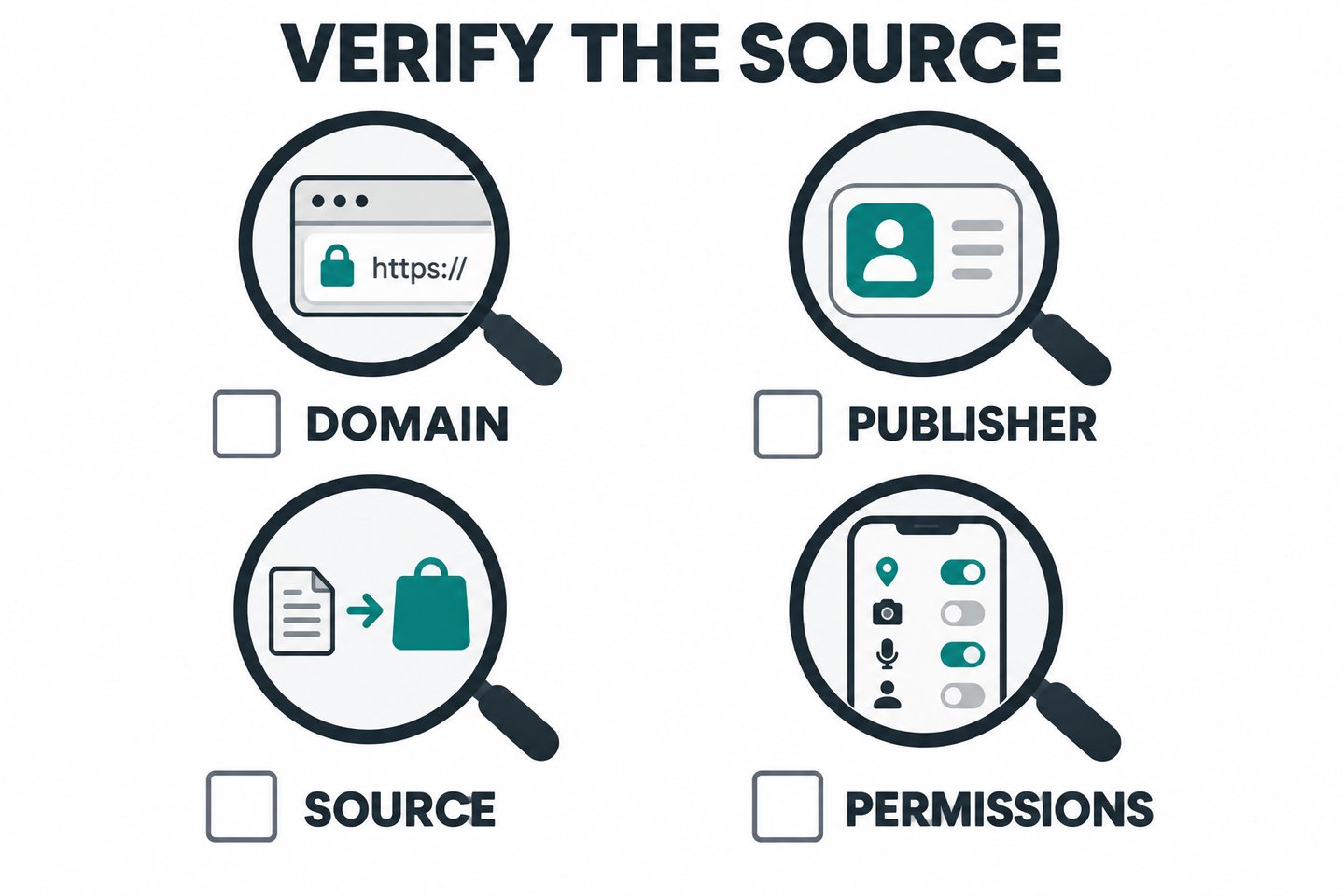
No single indicator can fully guarantee an app’s safety. Check that the items below agree, and hold off on installing or logging in if anything seems unusual. HTTPS or a padlock indicates an encrypted connection; it does not prove that the site is operated by OKX.
- Domain: Check whether the actual host in the address bar matches the official address. Text on the page that says ‘OKX’ may not match the address bar. Watch for similar spellings, extra words, and unfamiliar domains.
- Developer or provider: Compare it with the store listing linked from the official download page. The official Wallet iOS guide names the developer as ‘OKX Technology Inc.’, but do not apply this name indiscriminately to exchange apps in every country.
- File or link source: Do not assume files received through chat rooms, general cloud drives, third-party APK mirrors, or search ads are official. If the source of a file you already received is unclear, do not open it.
- Permissions and requests for information: Check for permissions unrelated to the app’s functions, screen sharing or remote control, and requests to send authentication information to an external website. A legitimate wallet import is different from a request to ‘send your seed phrase to customer support.’
Do not give a support agent your password, verification code, seed phrase, or private key for an ‘update check’ or ‘account recovery.’ Personal wallet recovery information is linked to control of your assets, so do not expose it during screen sharing either. If you received installation instructions by email, also check how to use anti-phishing codes and verify senders and links.
Compare iOS developer names by product. The exchange app’s iPhone instructions reviewed here name “OKX Inc.”; the Wallet instructions name “OKX Technology Inc.” Do not apply one product’s name to every app. A name in a document is not enough to establish authenticity: also compare the current store listing, provider, and supported region reached from that product’s official download page. Official OKX iPhone instructions · Official OKX Wallet instructions.
4. When installation fails on Android or iPhone
Installation failures can have different causes, including regional unavailability, device compatibility, storage space, and connection issues. First record the error message, then investigate the cause. This article does not specify fixed minimum operating system versions or app sizes. Use the latest requirements shown in the official store for your device.
| Symptom | What to check and safe next steps |
|---|---|
| App does not appear in the App Store | Check the link from the official page and the current store region and availability. The official Wallet guide explains that an app not appearing may mean it is unavailable in your region. |
| Message says the app is incompatible with your device | Compare the OS and device requirements shown in the store. Do not try to resolve this with an unofficial older-version file. |
| Download stops | Check available storage and use a trusted network. You can also try another browser while using the official URL. |
| Android installation security warning | Recheck the source and file, and hold off on installing. Do not turn off protection features before checking with your device manufacturer or official support. |
| Update conflict or repeated failure | Compare the product and source of the existing app with the latest official path. Before deleting the app or clearing data, first check account access and wallet backups. |
| Installation succeeds, but the verification code does not arrive | Troubleshoot this as a login or authentication issue, not a download issue. Do not make reinstalling the app your first solution. |
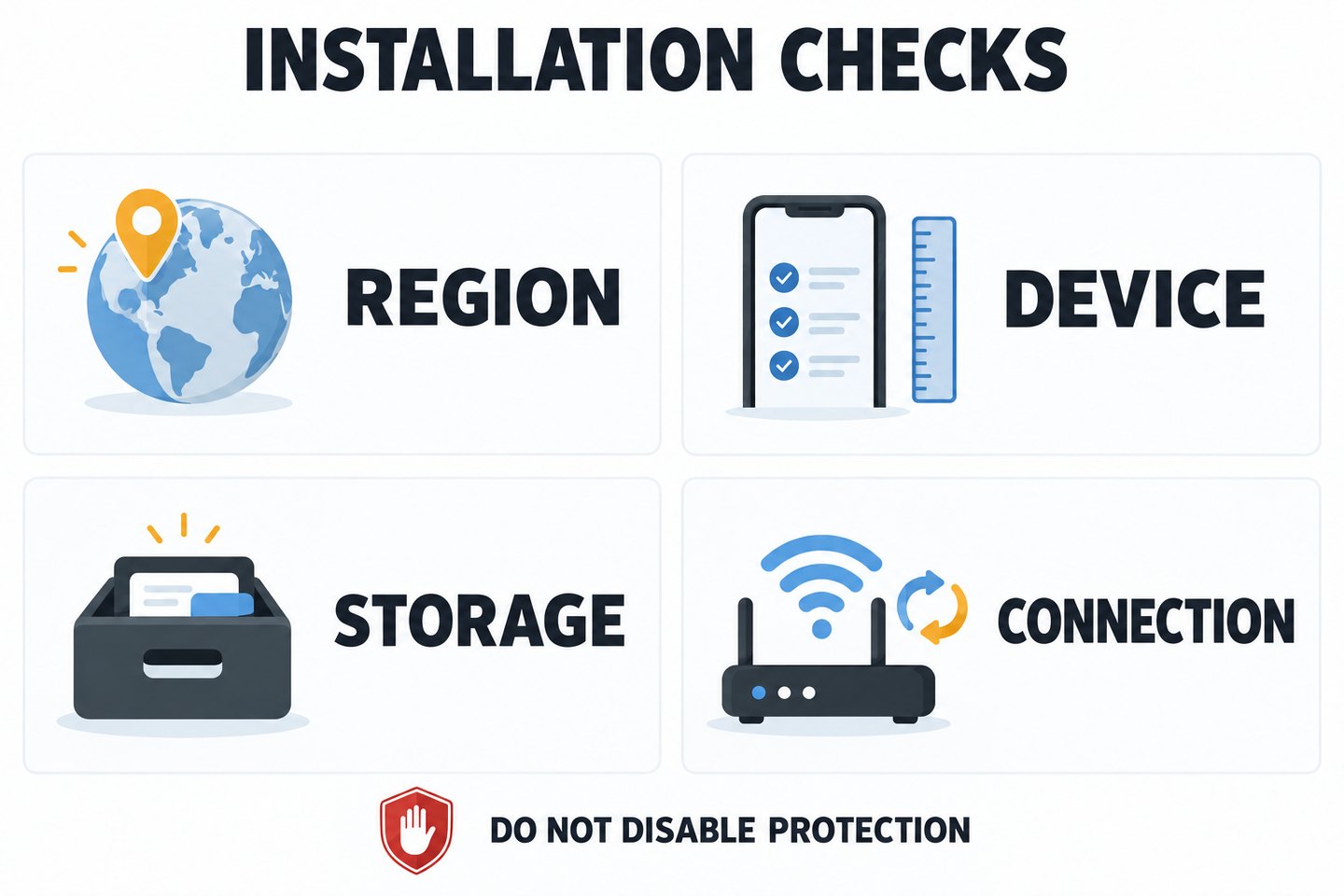
Official Android help includes installation instructions for specific device models, but AKEYX the safety principle is not to ignore warnings or turn off antivirus, scam-prevention, or device-protection features. If the cause is unclear, note the error message, device model, OS version, app version, and official source, then contact official support. Do not include verification codes or recovery secrets in your support request.
Do not use a VPN, false location or identity, or someone else’s account to bypass restrictions when an app is unavailable. Installation availability and eligibility to use the service must be checked separately. When reviewing conditions for users in Korea, refer to the OKX conditions and restrictions for use in Korea, then compare them with your own account and the latest official terms and guidance.
A Home Screen icon alone does not establish that the app has been installed. OKX’s iPhone instructions also describe adding the official website to the Home Screen. That is a website shortcut, distinct from installing the App Store app. In either case, check the official address and product; the appearance of an icon does not confirm regional, KYC, or product eligibility. Official OKX iPhone instructions.
5. Prepare for recovery before updating or reinstalling
Do not start by deleting the app, clearing data, or removing the browser extension. Prepare separately for recovery of your exchange account and personal wallet. While the existing app is still working, check whether you can verify your access methods; if you do not know what has been backed up, stop. Having a backup does not necessarily mean you possess the secret or access method you will actually need.
- Exchange account: Check that you can access the registered email address or phone number and a working authentication method. Do not confuse recovering access to your exchange account with recovering your Wallet seed phrase.
- Seed phrase/private key wallet: Use the official wallet management and backup features to check that the necessary recovery information is securely stored. Do not disclose secrets or enter them on external websites unnecessarily just to check a backup. Do not assume that the service provider can recover them for you if they are lost.
- MPC Wallet: Check that you can log in to the linked exchange account required by the official instructions, and that you have the cloud backup password. Do not assume that its recovery procedure is the same as that of a seed-based wallet.
- Extension: Removing it may erase wallet data, so check the wallet’s backup first. Do not clear general browser data without checking your backup.
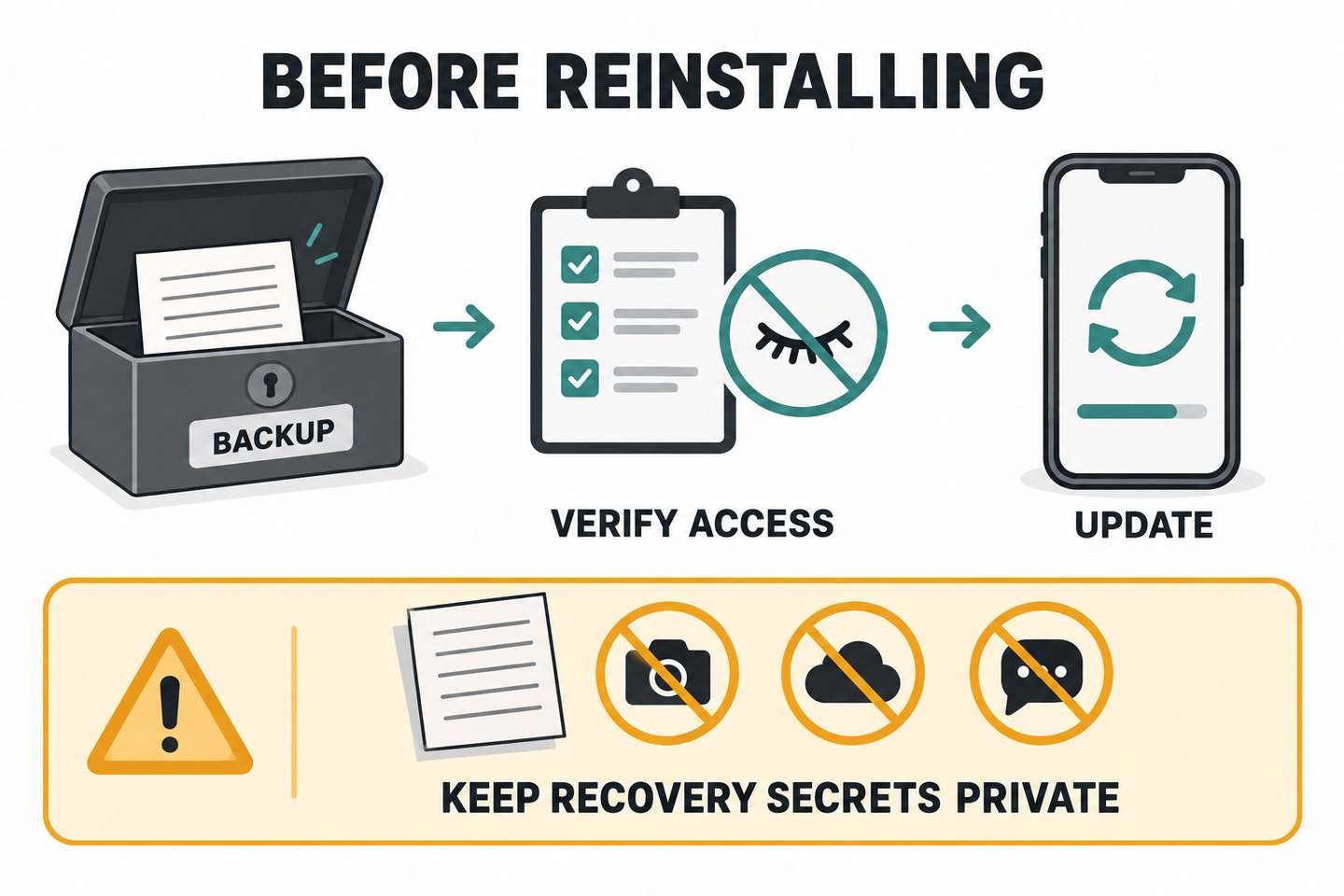
The official Wallet Help page gives this path in the app: Menu → About OKX Wallet → Check for Updates. Menu names may vary by version, so compare the actual app with the official instructions. Do not assume this path applies to every version of the exchange app. Also distinguish between moving a seed phrase or private key to an ordinary message or public cloud document and using the backup procedure officially provided for MPC Wallet.
6. Check login errors and signup requirements separately after installation
Even with the legitimate app installed, email, SMS, or authenticator app codes may not arrive or may not work. In that case, determine whether the issue is with the delivery route, account details, or authentication method. Do not repeatedly resend codes or attempt to log in, or disable security settings indiscriminately. See OKXWhat to check when a verification code doesn’t arrive for the steps to follow.
Creating a new account is a separate step from downloading the app. Before signing up, check the regional and eligibility requirements, when to enter a code, and the conditions shown on screen, then review KYC and security. For the full process, see OKXSignup and KYC Verification Guide. You do not need to deposit or trade to verify an app installation or wallet connection.
Final checklist before installation or update
- I distinguished whether I need the exchange app or the Wallet app/extension.
- I started from the official domain and checked the currently available route.
- I checked the store provider, product, device requirements, and file source.
- I will stop if I encounter a security warning or an unexpected permission or information request.
- Before deleting or resetting anything, I checked my account access methods and recovery preparations for the relevant wallet.
- I checked app availability separately from regional, KYC, and product eligibility.
Frequently asked questions
Where can I download the OKX app?
For the exchange app, start at www.okx.com/download; for Wallet, start at web3.okx.com/download. Check the route currently available for your device and region. Do not treat installation files from search ads or chat rooms as official sources.
What should I do if OKX Wallet does not appear in search results on iPhone?
The official Wallet instructions explain that if the app is not visible in the App Store in a supported region, it may not yet be available there. Check the official link and the current regional and device requirements. Do not use account or region changes to bypass restrictions.
Are all Android APK files unofficial?
You cannot determine whether a file is official based on its format alone. The official OKX Android instructions explain how to download the app from the official download page. Avoid APK mirrors and messaging app files from unknown sources. If you see a warning, check the source again and hold off on installation.
Will deleting and reinstalling the app fix the problem?
It depends on the cause and is not recommended as a first step. In particular, deleting a personal wallet or extension may erase its data. Check your account authentication methods and the backup for your wallet type, then decide based on official support guidance.
Do I need a seed phrase to download or update the app?
Do not provide your seed phrase to a support agent or web form to download an installation file or verify an update source. The normal import procedure for a verified personal wallet is different from sending recovery secrets to someone else. Stop if anyone requests secrets under the pretext of downloading or recovering a wallet.
Can I use all services in Korea once the app is installed?
No. The ability to install or download the app does not guarantee eligibility to open an account, complete KYC, or use specific products. Check the latest official requirements that apply to your actual place of residence and account, and do not bypass restrictions.
Official sources and scope of review
- OKX Official Android app download instructions — Official sources, APK download route, and cautions about suspicious installation files. Official page last updated September 2, 2026.
- OKX Official Wallet download and update instructions — Wallet download route, iOS provider, regional availability, backups before updates, and MPC considerations. Official page last updated August 5, 2026.
- OKX Official Wallet creation and import instructions — Links to official extension stores and cautions to back up before removing an extension. Official page last updated August 11, 2026.
- Official guidance on identifying Web3 wallet scams and security risks — Risks of exposing seed phrases or private keys and approving malicious permissions. Official page last updated October 1, 2026.
The dates above are those shown on the OKX pages and differ from the AKEYX review date. AKEYX reviewed this scope on October 16, 2026. The installation failure table and troubleshooting steps are AKEYX’s explanations, compiled from official information; they do not diagnose a security warning on a specific device as a false positive. Requirements in official documents may vary by language and region and should not be applied globally.
Risk notice: This article provides information on software installation and source verification; it is not a recommendation to invest, sign up, deposit, or trade. Using an official app does not eliminate risks from phishing, device infection, loss of recovery information, incorrect wallet signatures, or fluctuations in virtual asset prices. If a source or permission seems suspicious, stop entering information or signing, and use a verified official support channel.